
Sonja B
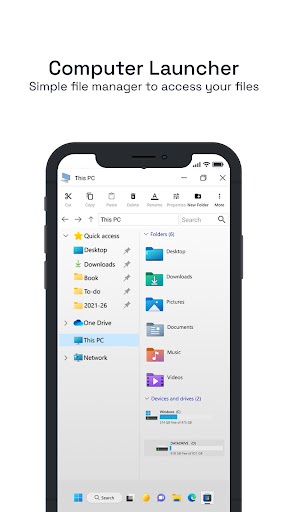
They have made a beautiful application that acts and looks just like a windows computer system. I enjoy how the drives and files are formatted as a computer system. I love it so far. Thanks to the creators for a smooth and functional app.
Computer Launcher
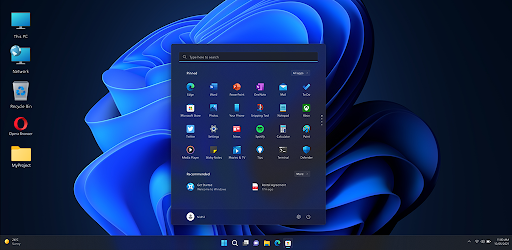
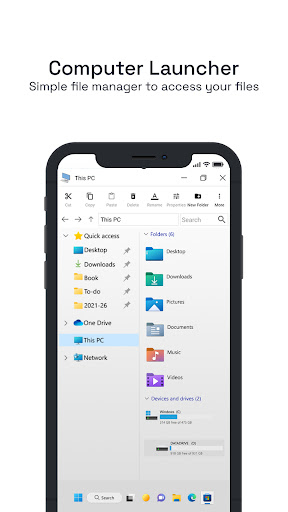
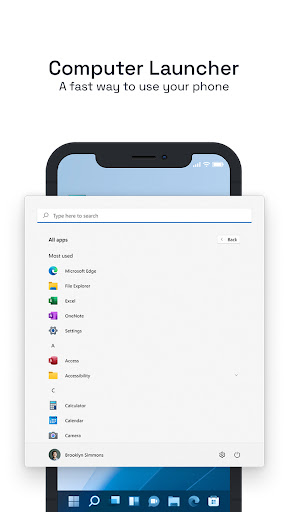
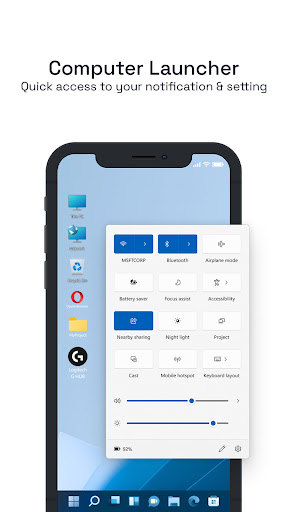
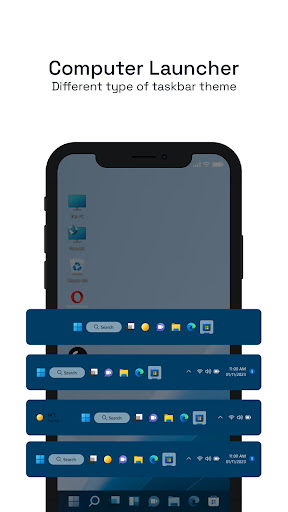
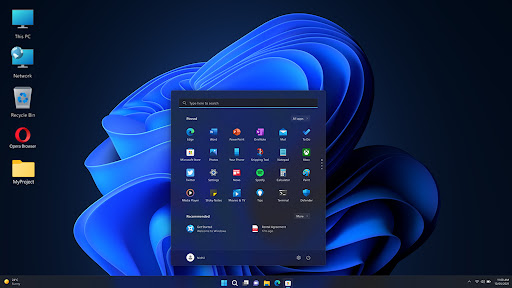
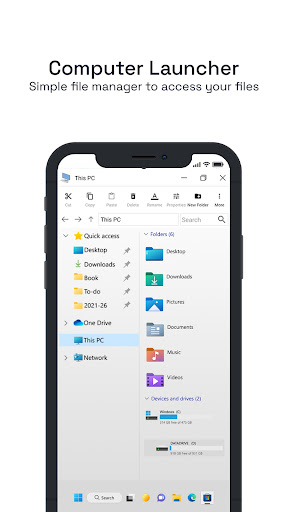
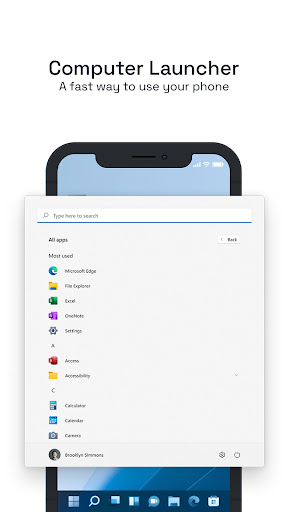
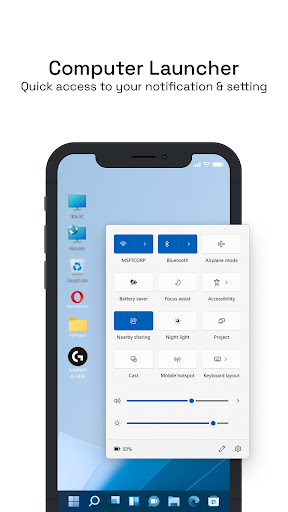
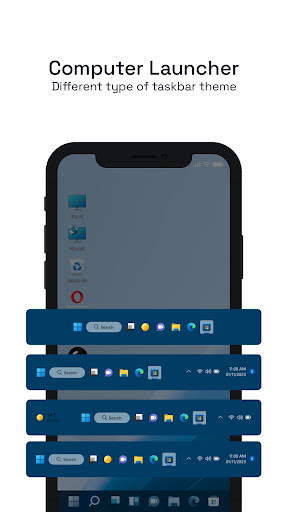
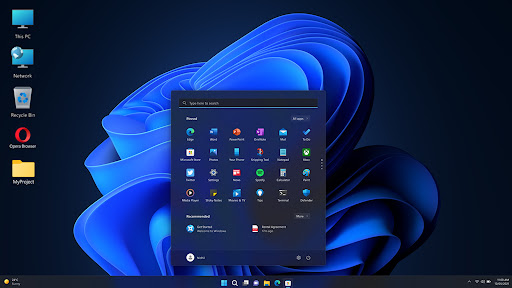
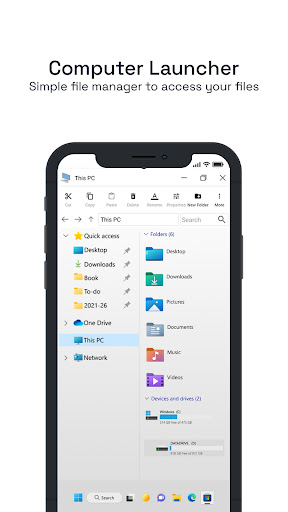
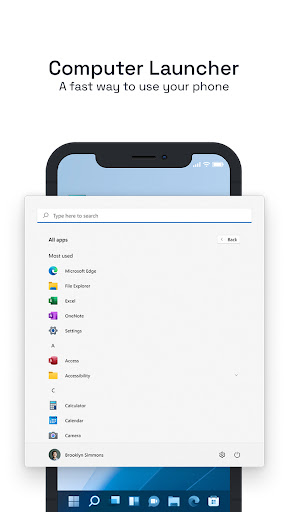
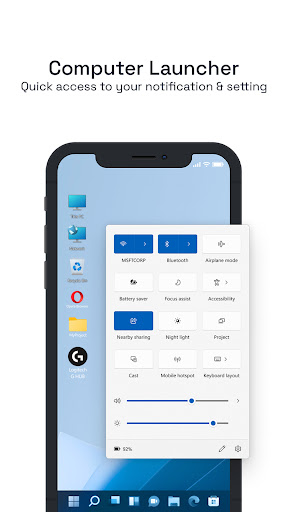
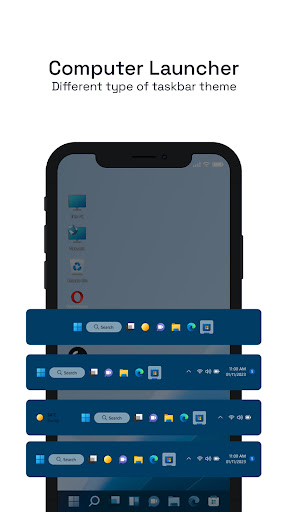
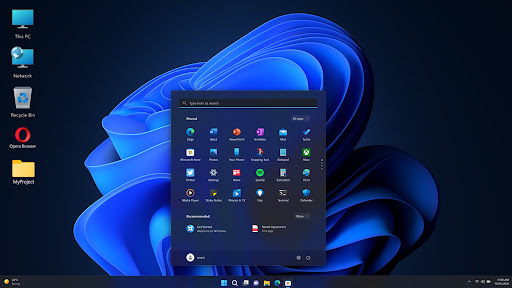
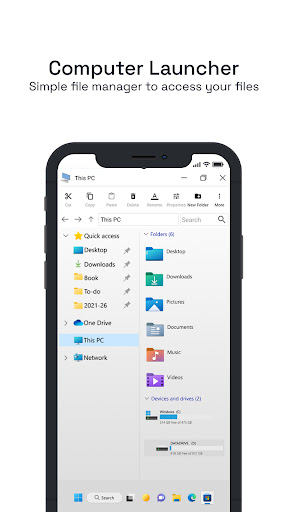
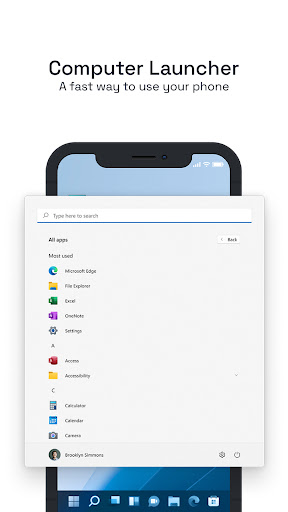
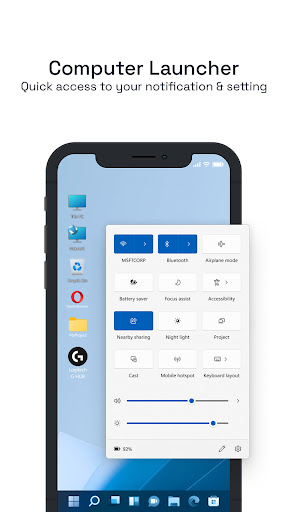
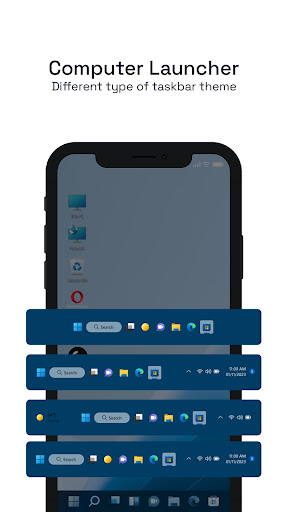
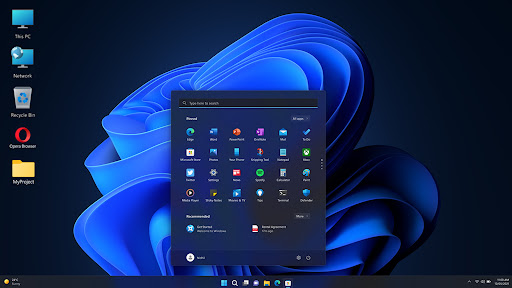
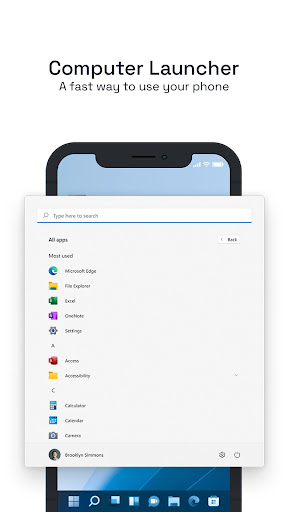
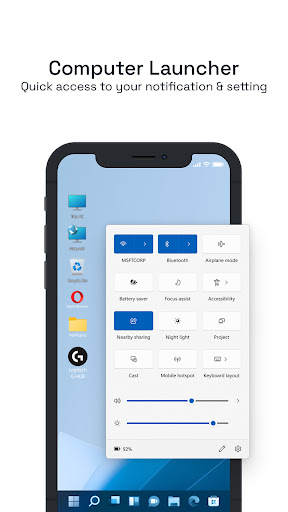
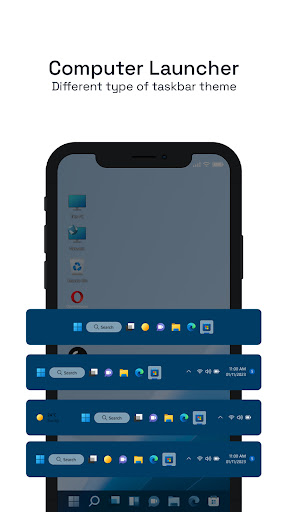
Computer Launcher - Snazz Up Your Phone With A Tablet Computer Look! Want to make your phone a stylish functionable like a desktop? With the Computer Launcher – you may now turn your smartphone into a sleek styled PC decorated Tablet Computer Look. This PC Launcher allows you to gain all the perks of a desktop device while managing files or multitasking on the go. Using the Computer Launcher you may transform your Android phone to function look as a modern desktop device. Experience the unique aesthetics as never before with the speed, style, and productivity powered by Win 11 Launcher. 📄Computer Launcher Key Features: Computer Launcher Features📄 🖥️Set your Start menu like a classic computer; 🖥️Create contacts and apps directly on your desktop; 🖥️Drag and drop for fast and easy desktop arrangement; 🖥️Access desktop for your frequently used apps; 🖥️View drives, sd cards, and other media with full file management; 🖥️Computer style Launcher for your taskbar with full functions; 🖥️Get notified of counters via Computer Launcher Notifier; 🖥️Add Clock, Weather, News, and RAM info widgets; 🖥️Set live wallpapers and themed backgrounds for device customization; 🖥️Set endless wallpapers, color styles, and icon packs; 🖥️Rename your folders and set extra home screen for ease of access; 🖥️Lock apps to enhance privacy and security; 🖥️Get advanced app management multitasking via taskbar; Get desktop feel with tablet simplicity! Create custom shortcuts and arrange screens for PC styled layout. Accessing apps and files is now streamlined and intuitive, all with ease. Set desktop-themed backgrounds for extra customization and flair! Sleek UI Look and Feel Along with Win 11 Launcher Design:📱 With Win 11 Launcher theme, enjoy a sleek and responsive look and feel. The UI design incorporates PC elements, enhancing your device's look and feel. The tiles and taskbar controls are all the sleek and stylish look, made with speed and utility in mind. This is the best fit for a user who appreciates desktop interfaces and would like to have is on the phone. You are Free to Customize Each and Every Detail with PC Launcher: 📲 PC Launcher mode allows you to adjust themes, add and personalize widgets, live wallpapers, and icons giving you full PC like control over your device. Switch up your home screen to make it stand out, useful, and stunning all with a few taps. It is more than a launcher; it is your very own desktop setting. Correct your Experience with Memory of a Computer Launcher: Computer Launcher makes your Android dazzle with a Tablet Computer Look and with full PC Launcher functionalities and stunning Win 11 Launcher design. This is the best blend of looks and functionality. Live desktop experiences and have the desktop in your palm! Disclaimer on Permissions: This app requests certain permissions to deliver key features: Accessibility Permission is used to enable the screenshot service for providing seamless desktop-like interactions. This permission does not read or access any personal data and is used strictly for UI functionality.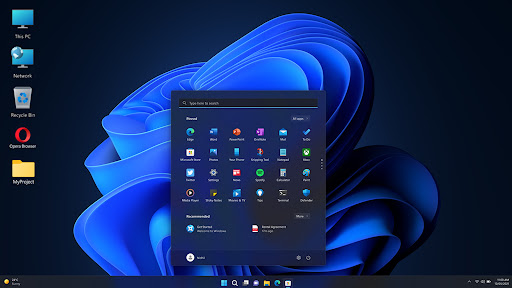
Sonja B
They have made a beautiful application that acts and looks just like a windows computer system. I enjoy how the drives and files are formatted as a computer system. I love it so far. Thanks to the creators for a smooth and functional app.

Jeremy Johnston
$15/week? You're charging $720 to use your launcher for a year? Someone could buy an actual computer and put a lifetime license of Windows 11 on it for what you charge for an Android skin, if I'm reading the fine print right.

armando i (BlkDov)
it's doing what I expect. but it's not saving the icons I add to the home screen and when you open the app some weird window that doesn't do anything opens. it also wants to track your location. to get to the browser you have to press home and select it

Capo Toxico
great app only issues. free tier is listed but renders your phone useless, and the paid version is insanely to much. READ MY REVIEW BEFORE ADVISING MY NEXT MOVE.

jeffy beansus
sutch a badly made app, if your going to make ppl pay for the app to actually be useful, just make the app paid for. i am not being greeted to an ad evry time i open my phone and the windows ui is insainely lazily made

Samuel Hunsa
I got so attracted to the Launcher with the hope that it is truly an application of the sample images uploaded underneath. But different thing entirely.

Adam Yakubu
good one but the add apps still disrupt So kindly check it out. Also when short cut icons brought onto the desk it immediately vanished when the app closes and reopens

Grace Bloom
So far so good! Also so far the best* Just wish it could have more realistic pc tools for the real feel of it, in the future...

saili joseph
it's a nice launcher. just work on the ads. they are too much for the phone.

Jayden Kariuki
it is a great app.actualy it helps me to study more about computers and other software

Nageshwar Rao Adhikarala
Given 6 permissions as required for but not setting digital clock widget or showing app lists. wasted my time.

George Bwalya
it's a nice app especially for the beginners to get used to.for students and for personal education

Dadiak Naanang Benjamin
Best app to turn your phone or tablet to computer mode. love it

Dikicil Kisil
this app is way cooler than other app. because when I use it it's looks like a real laptop. I rate 5 stars because the app is very very cool.

Imtinan Javed
I recommend for all peoples not installed this app because this is multiple virus in the app my mobile is also hanging And slowing and different problems starts in my mobile 😓😡

Ayub Ongaria
very smooth it has helped me it acts as my phone security very ok if someone needs to use my phone they don't know where apps are

Peter Lapisa
It is good but is not All like window of computer with All packages like word ,Excel, power point etc.

Syed jansher hossain (Rami)
Bruh there are ads which made it look very ugly (I get add is important for y'all but at least let the users know)

Precious Paul
The app launcher is superb. my phone is looking like a computer installed with window 12

Rob Collins
So much like Windows 11 ui, the file explorer works and looks just like Win11