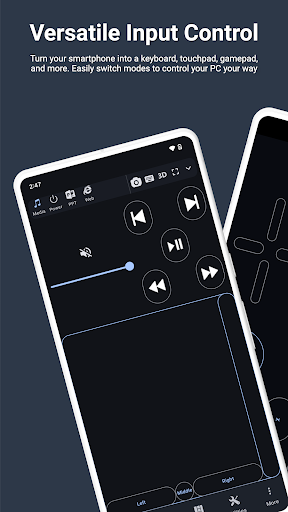
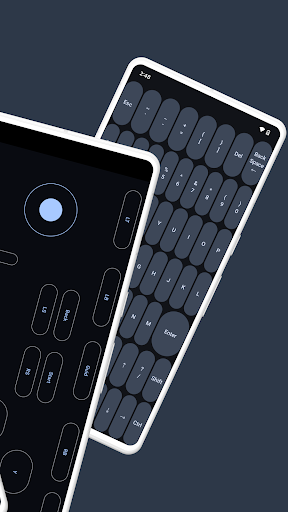
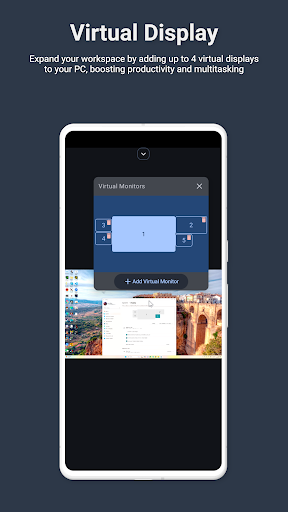
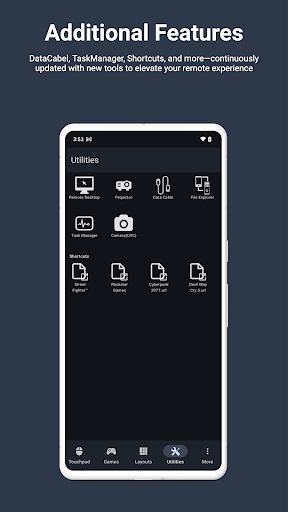
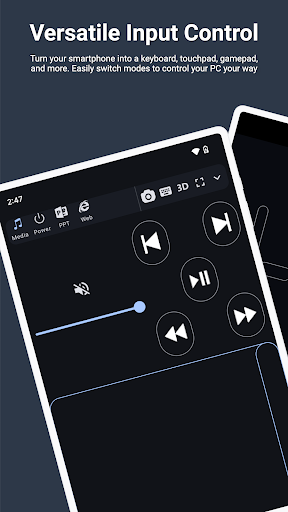
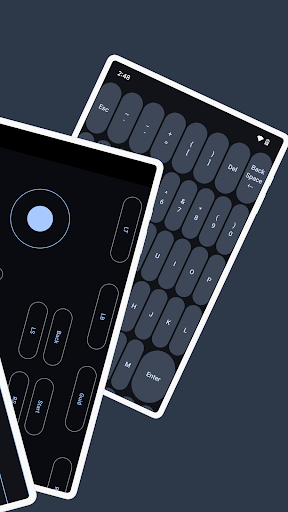
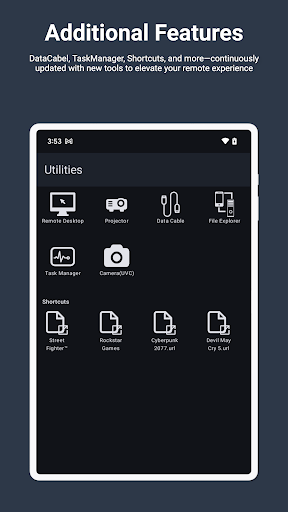
Started my search for a way to use my phone's keyboard as an input method for the PC I have hooked to my main TV for watching live streams. I get frustrated having a physical keyboard on coffee table and in way all the time. This app happened to be just what I needed, and it works fairly well. Haven't spent a ton of time using it, but it's also more than just a keyboard for your PC, if you do choose. Remote desktop works well, as does media control features. Overall, a pleasant surprise!
In 2023, every tech company is going down a path of making their product worse for profit motivation; right clicking is locked behind a subscription. $12 a year to right click. I'm enjoying the app so far; I've just been using it for very simple remote restarting of my PC and basic clicking around. Based on the influx of one star reviews in the last month, I just missed out on this being a really useful app; I'll use it for simple stuff I guess.
Works great! If anyone has touchpad connectivity issues after 5 seconds, you need to go the bottom right "ME" tab, and click "Quit" and then re-open the app again. It'll connect automatically. I had the same disconnecting issue as well but it happens sometimes when you have the app running in the background before turning your desktop on. The app works great and the built in emulators are cool.
Ads are EXTREMELY LOUD!!!! Please reduce the volume of the ads, they are more than twice as loud as they need to be. I'll be laying in bed watching a movie with the audio from my pc coming thru my phone, I'll open up this app to control my pc and it nearly blows out my eardrums every single time an ad plays. Please change this. It's absolutely ridiculous
The app is excellent for manipulating a computer without having to touch the computer. This is very useful for me as I can use batch files to complete tasks that would require significantly more time absent a one click, don't need to find it batch file. The reason I'm giving it 3 stars is because I can't assign pictures to the utility tool shortcuts. It crashes when I attempt to. I contacted owner and received no response. If this was fixed, the app would be perfect.
Edit: Now with an annoying pop up when you start it up without premium! Super easy, responsive, and flexible. Can use wifi, bluetooth, or usb tethering to control your pc. No longer starts up quickly, instead now with a pop up that you have to exit out of before using and then rolls ads after you're done. While having a banner ad at the bottom so watch where you click.
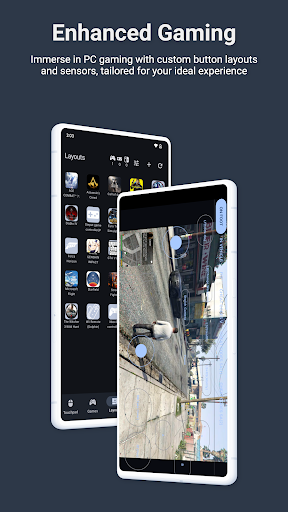
I used this app for years, but it seems to be getting worse. When I found this app it was amazing I could control my PC from anywhere. I could play games off of my PC as well right on my phone it was great. Eventually I couldn't play games as the app would lose connection but that wasn't too big of a issue. 4-5 months ago I had to reinstall my is for one of my PC and couldn't sign in to my account. Now as of recent Remote desktop doesn't even display, right click doesn't work and tons of ADs.
This is the first time I will ever give an app below 4 stars. I absolutely hate the layout of the app, and it's not just that, the app is very hard to use. When I downloaded, I hoped for all different types of gaming remotes like...for example to play minecraft, I would use up, down, left, right, space. But all I got were were some other weird stuff. I went to the help page and nothing helped me. I just wasted my thirty minutes trying to figure out how this app works. Please fix it.
So um, yeeaaaah.... While it looked decent... NOTHING worked!! It was a pain to have to download the other desktop app. Nothing was clarifying what the Host PC ID was. I entered every name on my computer I could find and nothing. The initial start of the PC made my YouTube videos lag a lot for the first 15 minutes while setting up. I had to uninstall immediately. The programs too frustrating to setup too many variables. Wasn't cooperating with any of the setup option; wifi, Bluetooth, nor usb.
It is necessary to allow disabling virtual touchpad acceleration, even though mouse acceleration is disabled on the PC, it still continues. This compromises muscle memory during aiming in shooting games. It is necessary to allow "double click-hold and drag" to drag with ease. For controller, it would be better to permit to one-click on joystick center to perform LS or RS button action
Been using this app for a few months; I like how the new gui matches the Ios version. Some of the PC controls need to be reconfigured ie (reboot). Perhaps adding a script functions for down(kb_start) would be something to add. Attempting to use with KinoConsole server causes a block. perhaps IP or port crossover
This app has some sort of connection problem saying that my pc or computer is "offline" when it is actually not, its actually online. And, after restarting my PC, it logged me out of the app. But when I started the app back up and tried to log in again, I literally couldn't. I clicked the "Log In" buttton expecting a typical login window, but no, instead, It was some type of small floating window that just says "Welcome Back!".
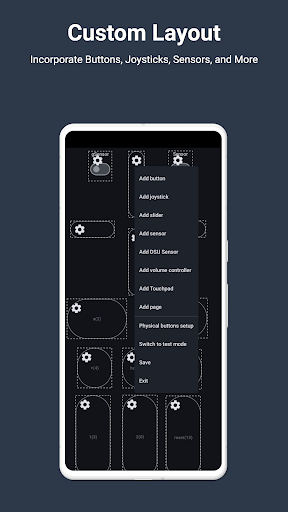
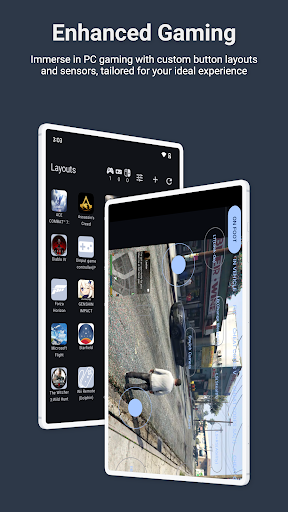
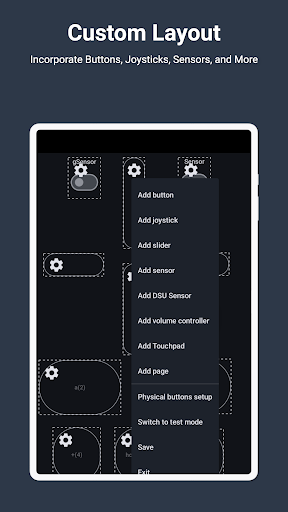
I have been using this application for an extended period, and it has proven to be both reliable and stable. The gamepad emulation functionality, in particular, is notably accurate and performs with a high degree of precision
Great app. I have used it for a basic media remote for 6 years and still works perfectly. Great for remote desktop too and have plenty more options.
They took a great app, decided 'we know better than users!' and added the 'feature' of lighting up with every tap with no way to disable. Clearly they've never heard "If it ain't broke don't 'fix' it!"
a lovely app. also love the recent UI. i have been using for over 4-5 years now. it has been a real help. for example cant move my pc inside to my toilet. so monect remote desktop it is....
amazing app that makes it convenient for me to use my PC as a game console and media centre. Loving the modern looking UI from the most recent update.
Love this app, but it have a vibration feature that does'nt even work. Please make it work, I am waiting. Want to play games with controller vibration experience
I prefer to disable the touchpad on my laptop for when I'm typing. This means that I have to remember my wireless mouse at all times, I thought that this would be a great alternative since I pretty much always have my phone on me. I'm not subscribing to use my phone as a mouse. Small one time fee? Sure. Recurring subscription? Out of your mind.
i am thinking In buy the whole year, its just matter of time. and money, buy I love this thing, if u ai abot best remote controllers for pc .. it's in the top 3. i will buy it