It's rare these days to find something that just works. Not only does this just work, but in my experience it's been perfect. I wish more apps were done this well, and the trial was unrestricted and appreciated. I personally think anyone complaining it's advertised as free are being goofy, because the value this one time purchase brings is through the roof. 1000/10. Nailed it. Borderline witchcraft.
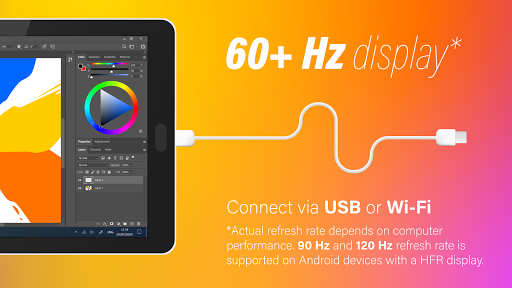
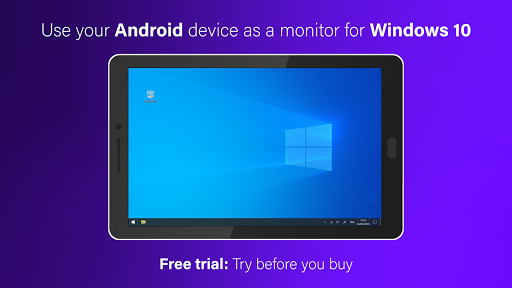
I've tried a few other apps to use my phone as a touchscreen monitor for my Windows PC, and none have worked as well or with such little hassle as this one. Latency is very minimal with a wired connection, to the point where I hardly notice it. You just plug your phone in, and everything just works with no fuss. Remember to go on the app's website and install the driver for your PC, otherwise the app won't register a conection.
Does what it advertises, and is pretty good for that. It's not very configurable though, and it's not clear how one effectively adds new items to its menu. Also, I have serious qualms with its pricing--not so much that it costs $10, but that it's not up front about the cost from the Google Play store entry. It does not advertise itself as being a demo. However, it is nice that it's a one-time charge, instead of a subscription. EDIT: The proper place to mention it being a demo is _in the text_.
I used the VirtualTablet app and it was terrible, I then went to find an alternative and this was it. This app works perfectly and is perfect for not only osu!, but for other things too. (Note: to get it to work as a tablet and not a second monitor, you need to go to display settings and find multiple displays. From there, click on the drop down arrow and click duplicate) All around great app and I would recommend anyone to buy it.
It only took a day into the trial to be convinced this was more than worth the asking price. I was using another app but this runs better on the pc, no lag when writing on my tab s6 lite. Also the s-pen writes smoother and I can read my handwriting better. I use it wirelessly with multiple pc so an option to connect to a certain pc at a time would be a nice added feature. (Edit: Finding out that I can disable the driver on one pc and it will end the connection and then enable it on my other pc and it auto connects. ) Overall I am very impressed. Becoming one of the most useful apps I have. Keep up the great work on the app.
Downloaded this app, purchased the full version in app. Had it for a couple weeks and now it keeps asking me to pay again for the full version, this time, double what I paid last time. Now the device just goes to sleep and doesn't wake back, aside from a black screen and a green cursor. Tried using on a different device on same account, and will not let me use it, wanting $20+. Something is shady here, beware. Being fair - when working, this app is a must-have. It just isn't reliable.
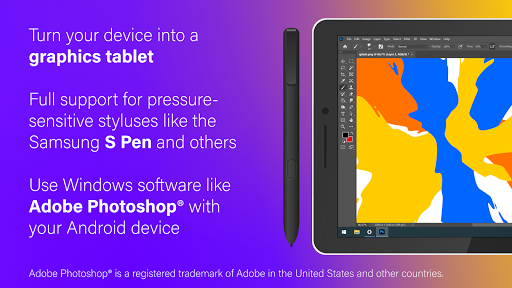
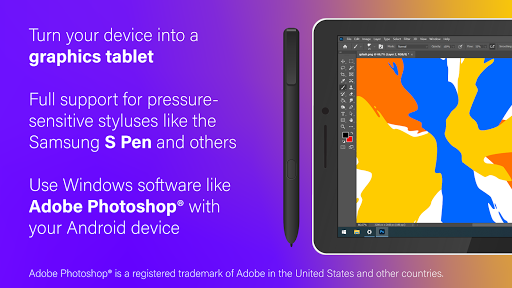
If I could give this app 10 stars, it'd be 11 out of 10. I combed the internet high and low to find an app that I could use to draw in Adobe Illustrator without spending big bucks ($200+) on a drawing tablet when I had a perfectly good Galaxy tablet in front of me. To my surprise, there werent any solid solutions! Blew my mind. So I did the simplest approach possible and tried the app store. Low and behold, SuperDisplay! I tried the free trial for a day & purchased the full version within hours
Antony “Tony” Fuentes Navarro
I freaking love this thing. I recently moved to a smaller apartment. As a result I have to make do with a smaller desk and no longer have enough space for dual monitors but I do have a Tab S7 as well as a Note 20 and this app is just so incredibly responsive! It supports pen input on both devices flawlessly! I was originally thinking of purchasing a Wacom tablet but with my S7 and this app, I no longer need to. Seriously, it's that good! 10 out of 5. Highly recommend!
After trying several screen-sharing apps to extend my PC to my Galaxy Tab S7+, I landed on SuperDisplay. The ability to connect via USB is key for me, as I use it both in my home and when working around town. The quality, zero-lag, and instant connection are crazy impressive, and the auto-connect feature that automatically launches SuperDisplay and extends my PC without me even having to touch the app icon is just showing off! Couldn't be happier with this one! I paid for it within five minutes of installing the trial!
Huge thanks to this developer for stepping up and integrating Samsung's tablets with Windows in a way that Samsung hasn't ever managed. Performance is great considering the limited 5 Gbps USB connection. Perhaps the latency could be improved further by taking advantage of DisplayPort Alt-Mode over USB (DP has been included in Galaxy tablets for while)? Would be happy to pay for any updates targeting latency. Another (far more minor) request is the ability to connect more than one device to PC.
Does what it says, phenomonally. I mostly use it with my Galaxy Tab S7, and the fact that this supports pen and touch separately blows my mind. Works great at turning it into an external display. The only issue I've had comes from the screen being off during a Windows boot, and is fixed by quickly unplugging, and plugging back in. Just remember to install the desktop app.
Honestly, this is an amazing app. It runs basically perfect, with my only real complaints being: 1. It doesn't appear to transfer sounds to my phone, which is disappointing, but not irredeemable. 2. I wish the desktop application could store multiple IP addresses for multiple wireless use, or if it is there, I can't find it. Otherwise, I love this app~ 🩷
Its literally like having g a second monitor. With the Windows app the two programs together create such a very useful tool for anyone looking to get the most out of their mobile device. Well done and priced reasonably. For anyone sporting a TabA, Tab S7, or S7+ this is a no-brainer. Even on smart phones, there is some added functionality you wouldn't have otherwise and no other app, at least that I could find, does it better.
I would love to try this app but cannot install the Windows driver. -Update- Turns out I had a bad download - twice. I downloaded the Windows driver on a different computer and was able to install it on my laptop but could not get working on my old desktop. Seems to work well with a slight lag using USB cable. Looking forward to playing with it some more.
Finally, a tablet-monitor app that ACTUALLY WORKS, reliably, every single day, and without a trace of lag, even over Wi-Fi. I've tried half-a-dozen of these kinds of apps over the last couple of years and even bought a few, but this is the first and only one that is truly set-it-and-forget-it. It's given new life to old Android hardware that's just been sitting in my closet for years. Importantly, Windows cooperates with it perfectly. I turn on the tablet, the new monitor is recognized and positioned correctly. I turn it off, no issues. I use it as a game developer, and it's a joy to finally have a way to clear up my desktop of panels that aren't critical but that I need to see occasionally (logs, consoles, settings, etc). Bottom line, it just works. I'd happily pay more for it five more times.
One of the best apps for productivity! I always have my phone/tablet with me, so having it act as a second monitor for my laptop is extremely useful when I'm on the go. Sometimes it does take a couple attempts of connecting-disconnecting the cable, but 9/10 times will work flawlessly. Keep up the good work and looking forward to future features!
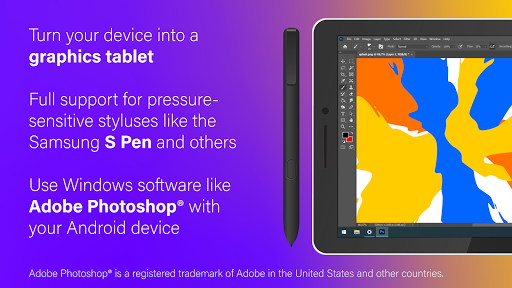
Awesome app, awesome support. The perfect companion to the Samsung Galaxy Tab S6, and works great with Photoshop and Illustrator. It was a little tricky to set up, but the designer was super quick to respond to offer suggestions to get it up and running. This app will speed up my workflow immensely; I couldn't be happier. I recommend it for all digital artists and designers.
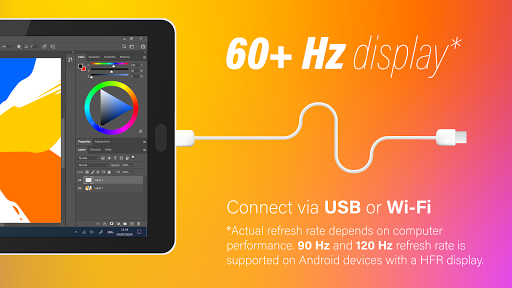
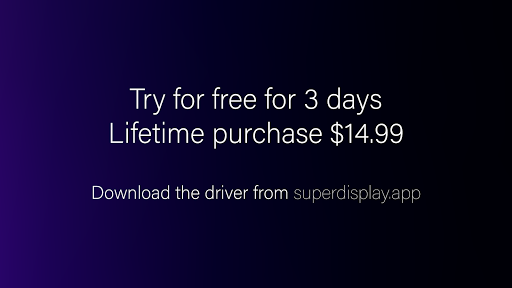
I was ready to purchase an expensive "travel monitor" to use on trips but then came across this app. Works flawlessly connecting my PC to a Samsung Galaxy S8+ that I already owned. I use a wired USB-C connection and I have no lag at all. I grabbed a simple tablet stand off of Amazon for $20 and I'm all set. Easily worth the price of the lifetime license.
Overall, a solid and best value app in comparison to other apps providing a similar product. That said, my personal gripe/issue with this is that it does not support more than one android device at a time, if you were to add multiple android devices for one computer. Also when will there be any new updates? It's been a long time since a new stable update.
Fantastic! I can use my Galaxy S6 tablet as another display. This is great for when I tutor and need to use my tablet for writing. I can just share the tablet screen with my student and they can easily follow along. So much better than using my Wacom tablet! This app has also worked flawlessly in a wireless configuration. I also love the option to lock the screen from touch input, yet still use my s-pen! Worth the price 100%!